Data recovery software

Free data recovery software for NTFS demo download to salvage accidentally deleted files corrupted hard disk partition

Home Contacts / Support Web Resources Terms / Conditions
 
 
Recovery Software for NTFS

(Easy to use data recovery software to recover lost or deleted data from hard disk partitioned with NTFS file system)

Buy now using FastSpring FastSpring

Buy now using iPortis iPortis
Download Demo

If you have ever:

  • Deleted files accidentally,
  • Emptied Recycle bin folder,
  • Lost data due to formatted disk,
  • Deleted files using Shift+Del keys,
  • Lost data due to corrupted file system,
  • Lost data due to deleted hard disk partitions,
  • Lost files due to virus attacks etc.

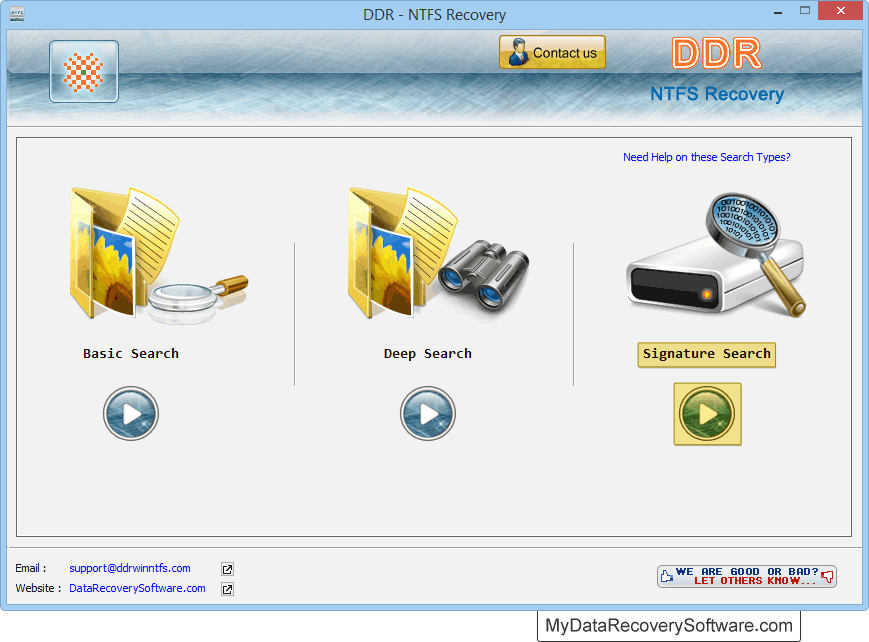
If you have ever experienced the immense stress of losing important computer data due to any of the above reasons, then don’t panic, Data recovery software will help you out. Recovery Software for NTFS is the solution you can undoubtedly rely on to recover lost data from hard disk drive in easiest way.

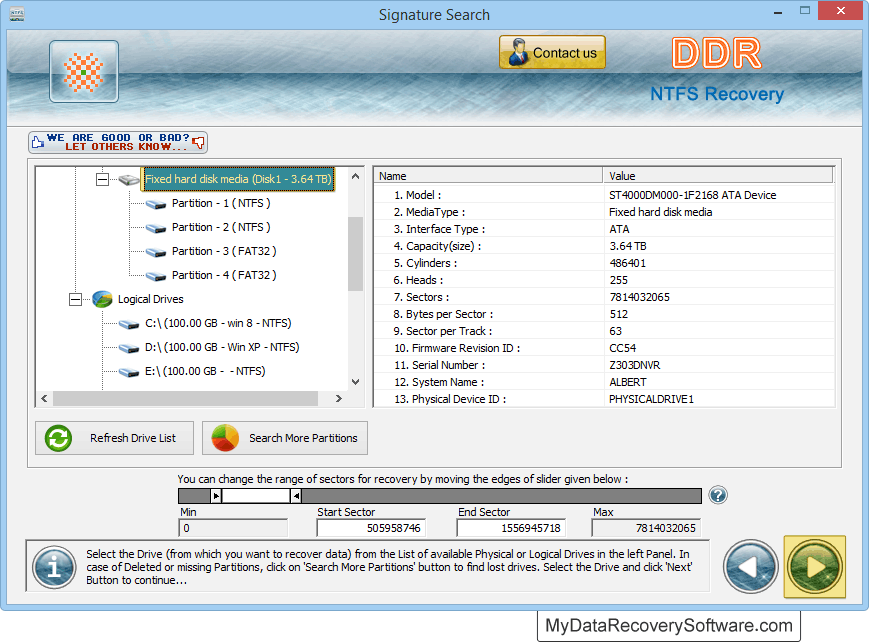
Whether you are an individual home user or own your business, software will help you in all possible ways to get back lost data (personal collection of files, official documents, pictures, audio-video files etc) saved in Windows hard disk drive. With easy to use hard disk data recovery software functionality you can easily retrieve deleted or lost files from NTFS and NTFS5 file system partitioned hard disk drive. Software works on Do-it-yourself approach that allows users to get back lost files anytime anywhere without consulting any recovery specialist.

Work with all major hard disk manufacturers – Quantum, Hitachi, Western Digital, Seagate, Transcend, Fujitsu, Maxtor, IBM and other popular brands.

Software Features at Glance

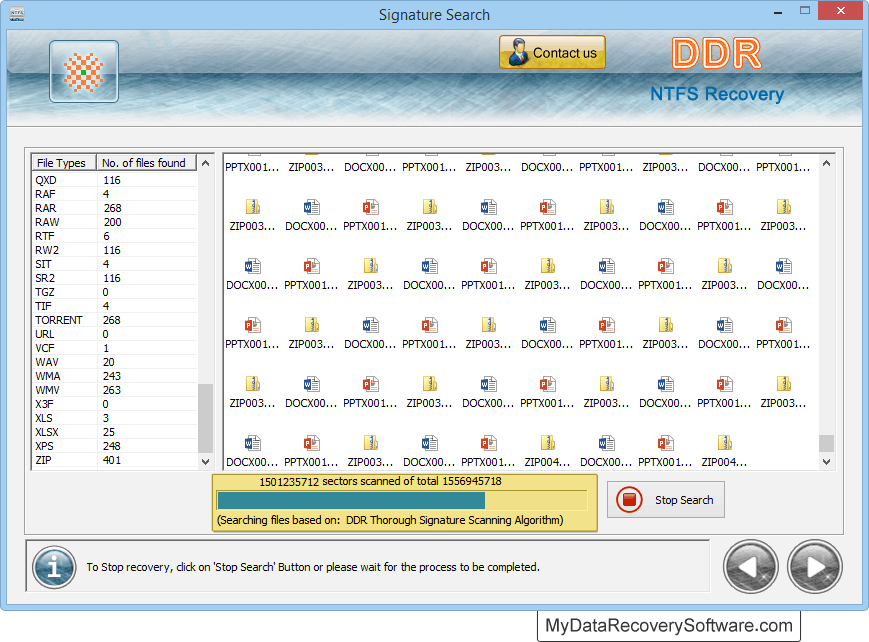
  • Recovers data lost or accidentally deleted from HDD in fast and accurate manner.
  • Supports recovery from SATA, ATA, SCSI and IDE hard disk standards.
  • Does not require any special hardware or software to perform the recovery task.
  • Easy to download and install on PC.
  • Easily handled even by novice users without requiring technical expertise knowledge to operate it.

Download free trial

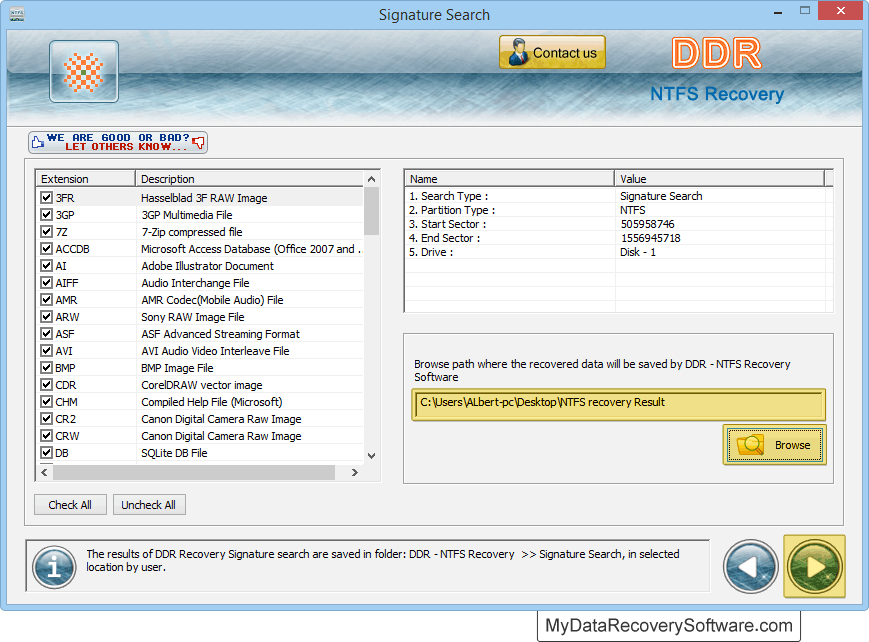
Download and try free demo of Recovery Software for NTFS to evaluate features and functionalities. Upon satisfying, we recommend you to purchase full version to save lost files at specified location on your PC.

Useful Tips!

We recommend you not to save the recovered files on the same drive from which you are recovering data, otherwise it may cause overwriting and your data may lost forever.

Software easily works on Windows Operating System with support to following system requirements–

  • Processor – Pentium class or higher processor
  • Memory – 128 MB RAM recommended
  • Hard Disk – 18 MB FREE hard disk space

Operating System – Windows 7, Windows Vista, Windows XP, Windows server 2008, Windows server 2003 etc.


Home   Contacts / Support   Web Resources   Terms / Conditions
All rights reserved, Copyright © mydatarecoverysoftware.com
 
  Products

DDR Professional - Windows Data Recovery Software
Photo Recovery Software for all type of Storage Devices
Recovery Software for Digital Camera
Recovery Software for NTFS
Recovery Software for FAT
Recovery Software for USB Drive / Pen Drive
Recovery Software for USB Mass Storage Enabled Devices
Recovery Software for Sim Card
Recovery Software for Memory Card


Compatible with Windows 7 Vista and Windows XP

PAD Software PAD


Go Green - Save Tree Save Life